Dish for Android
Android 7.0+Pairs once over your Wi-Fi, then feels like a wired controller. Touch overlay, gyro tilt-aim, six languages.
Get on Google PlayFlagship-tier latency, every input surface, on the pad you already own.
Free · Open source · No account · Inputs stay on your LAN
Pairs once over your Wi-Fi, then feels like a wired controller. Touch overlay, gyro tilt-aim, six languages.
Get on Google PlaySends a gamepad that is already plugged into a Windows PC over to whichever machine you are playing on.
Download for WindowsFor a Linux desktop or Steam Deck with a pad plugged in. .deb, .rpm, AppImage, or Flatpak.
Download for LinuxFor a Mac with a pad plugged in or paired. For Apple silicon, and not code-signed yet.
Download for MacReceives encrypted input over Wi-Fi and shows your games an Xbox, DualShock 4, DualSense, or Switch Pro pad. One-click installer on Windows, packages for Linux. Runs next to Sunshine.
Download SatelliteSatellite for macOS is still being built. See the roadmap, or what's new.
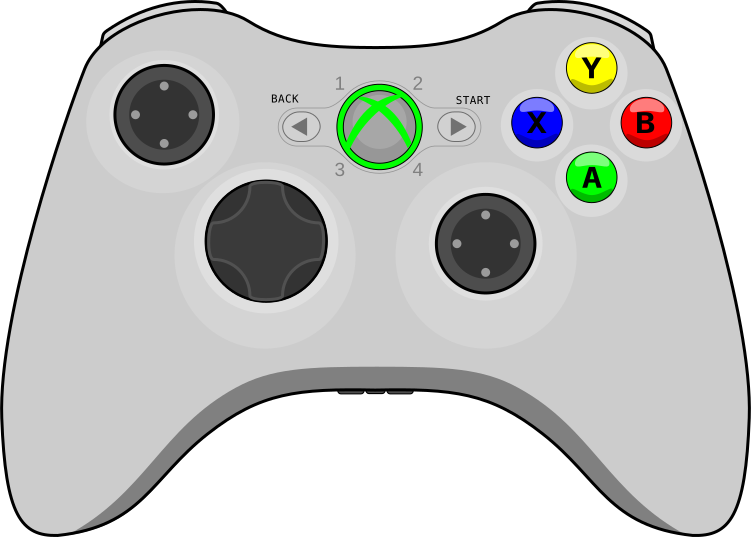
Stuck to your desk by a 3 m USB cable.
Wi-Fi to your gaming PC. Sub-frame latency. Couch.
Press a button and the game responds right now, as fast as a controller plugged straight into your PC, over your normal home Wi-Fi.
Read the latency deep-dive →Your inputs stay between your phone and your PC. Nothing leaks onto the network, even on shared Wi-Fi, and nobody else can grab your controller.
How it stays private →Sticks, triggers, gyro aim, touchpad, lightbar, rumble, battery, and a DualSense's HD haptics and adaptive triggers. Everything a modern controller does, all the way to your game.
All the features →It finds your PC on its own and reconnects by itself if your Wi-Fi hiccups, so the pad stays connected.
Why it stays connected →Free on Google Play or as a signed APK on GitHub Releases.
One-click installer. Runs quietly from your system tray.
Open Dish on the same Wi-Fi as your PC; it finds Satellite in under a second. Type the PIN once.
Your games see an Xbox, PlayStation, or Switch Pro pad, with rumble, motion, the touchpad, and the lightbar. On Windows, a DualSense keeps its HD haptics and adaptive triggers.
Valve's new Steam Controller costs $99 and sold out in half an hour. Dish is free, works with the pad you already own, and still drives the 2015 original over USB.
Read the comparison →8BitDo builds great pads. Bluetooth tacks on 12 to 18 ms. Dish sits at 3 to 9 ms, and it's free.
Read the comparison →Many show ads and ask for more access than a controller needs. Dish feels wired, shows no ads, and tracks nothing.
Read the comparison →PC in the office, TV in the living room. Pair Dish over Wi-Fi and never run an HDMI cable through the wall again.
Stream to your TV with Moonlight and hold your phone or your own pad as the controller. Dish pairs with Sunshine, Apollo, and Wolf directly, or runs next to them through Satellite.
Up to 16 controllers on one PC. Four phones, four controllers, no boxes of Bluetooth gamepads to charge.
No paywalls, no ads, nothing tracking you. If Dish makes your setup better, tips cover hosting, code-signing certs, and the Google Play developer account.
What's new since Dish 2.0: DualSense HD haptics over Wi-Fi, the touchpad and lightbar without Direct mode, Bluetooth DualSense on the desktop, and Diagnostics.
007 First Light, God of War, and Horizon only vibrate a DualSense over USB on PC, because the haptics are audio. Dish and Satellite carry them over Wi-Fi.
On PC, adaptive triggers usually mean a USB cable to the gaming PC. With Dish and Satellite, a game's trigger effects reach your DualSense over Wi-Fi.


